INDUSTRY:

GAMING

CLIENT:

KNOCK KNOCK GAMES

YEAR:

2021-2022

EXPERIENCE:

UI/UX DESIGN

Cover

Vy Worlds

about.

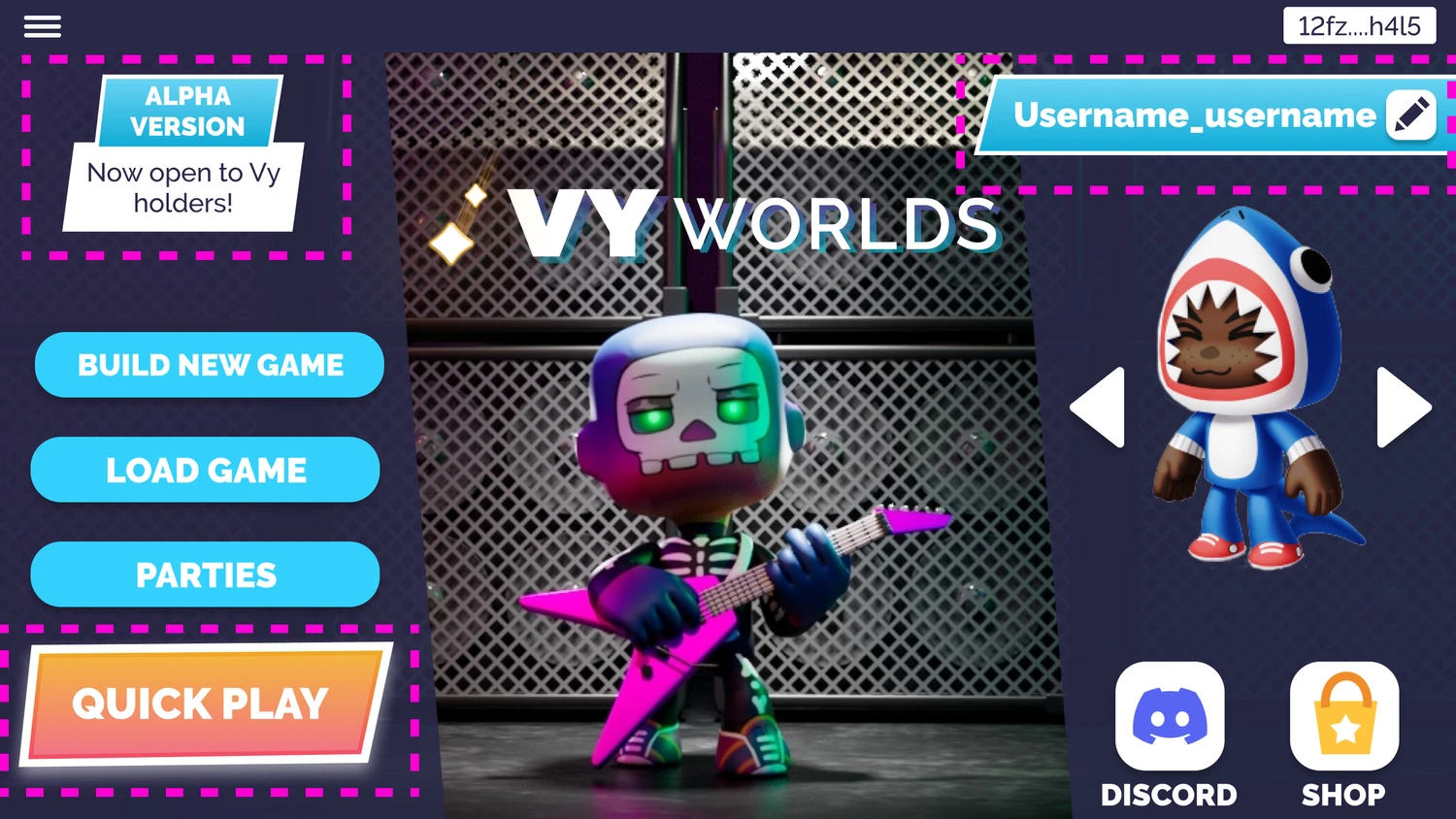
Vy Worlds is a 3D multiplayer game where players can build, play, and share their own levels — a social, user-generated experience designed for both desktop and mobile browsers. The game aimed to make level design intuitive and collaborative, encouraging players to express creativity while playing with friends.

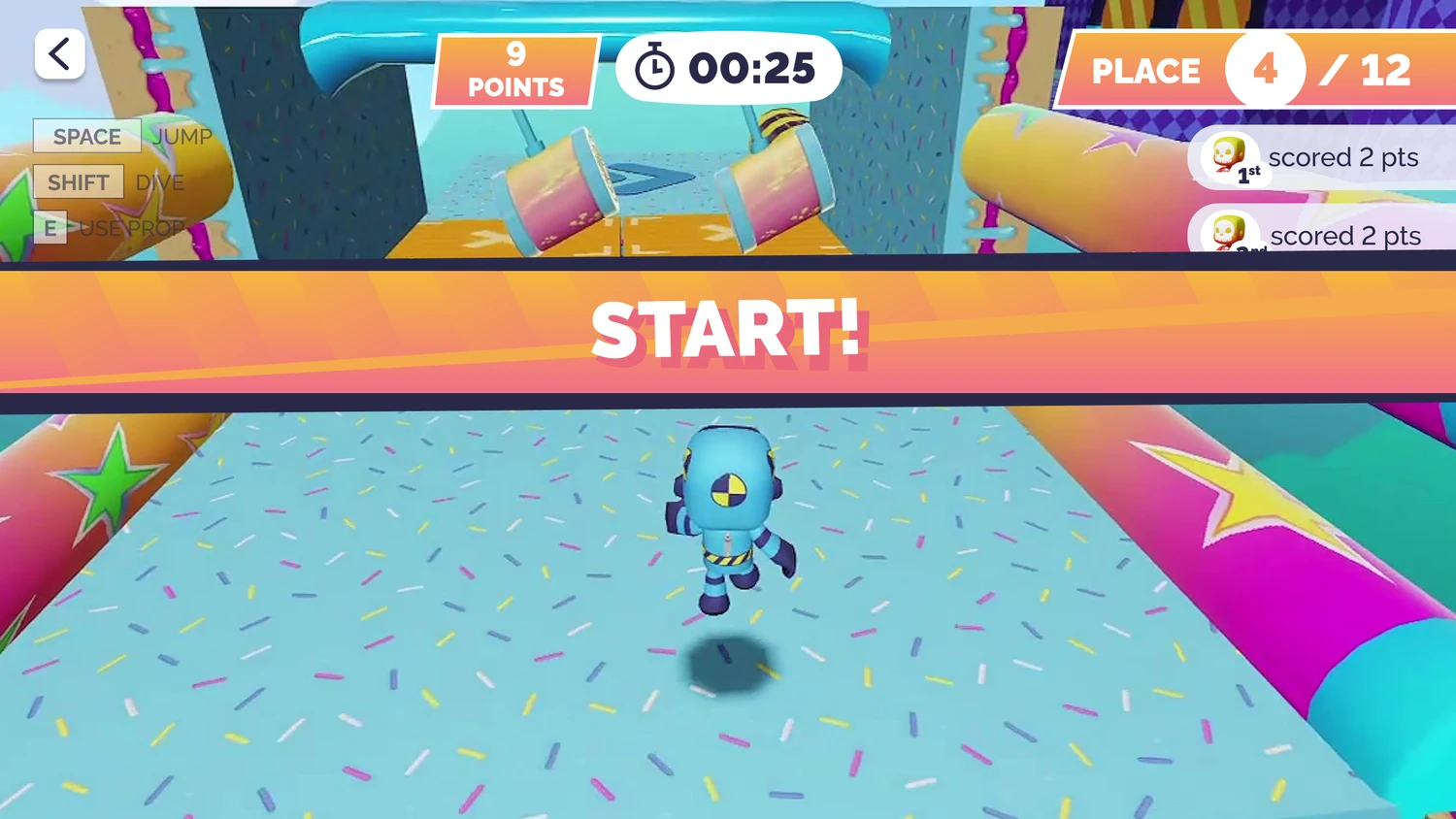
As the sole UX designer on a small team, I led the UX design of the in-game level editor and collaborated closely with a UI artist and Art Director to shape the evolving interface. I also created marketing materials and, after the game pivoted to a new theme and target audience, I created new branding and led a UI redesign.

This case study highlights the design decisions, challenges, and cross-functional collaboration behind a fast-moving game project I helped build from the ground up to launch.

Showcase image
Showcase image
making a level creator for players
How can we design a level creator that is effective and fun to use?

How can we design a level creator that is effective and fun to use?

How can we design a level creator that is effective and fun to use?

The focus of our game was for players to be social by playing with friends and for players to engage their creativity by empowering them to create their own levels. In order to meet these goals, we wanted to create a level creator for players to use that would be engaging, fun, and effective for expressing themselves creatively. We wanted our in game level creator to feel like an extension of the game that was simple to use, rather than feeling like a complex software product.

The focus of our game was for players to be social by playing with friends and for players to engage their creativity by empowering them to create their own levels. In order to meet these goals, we wanted to create a level creator for players to use that would be engaging, fun, and effective for expressing themselves creatively. We wanted our in game level creator to feel like an extension of the game that was simple to use, rather than feeling like a complex software product.

How do we allow players to customize gameplay properties and select game prefabs to add into their level?

How do we allow players to customize gameplay properties and select game prefabs to add into their level?

How do we allow players to customize gameplay properties and select game prefabs to add into their level?

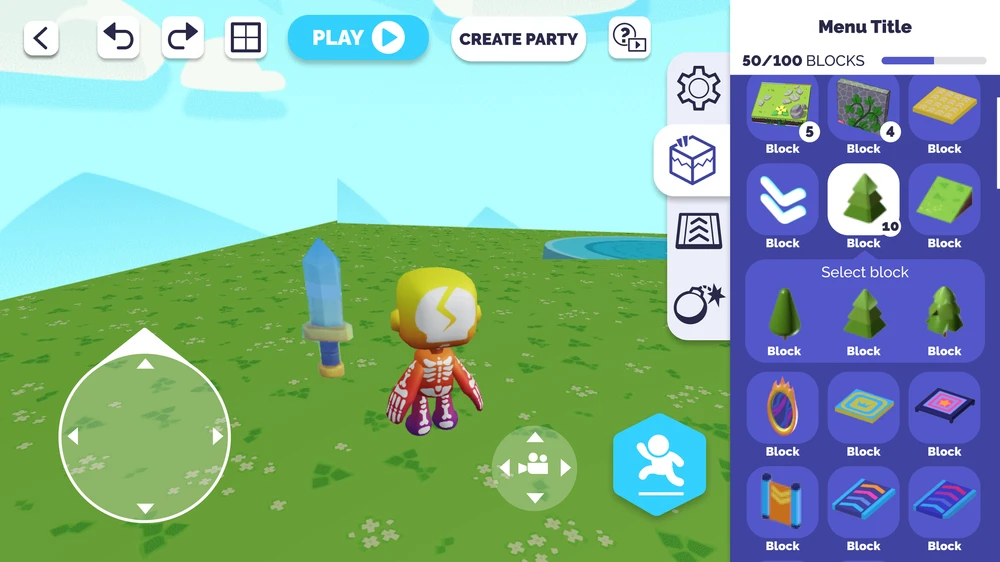
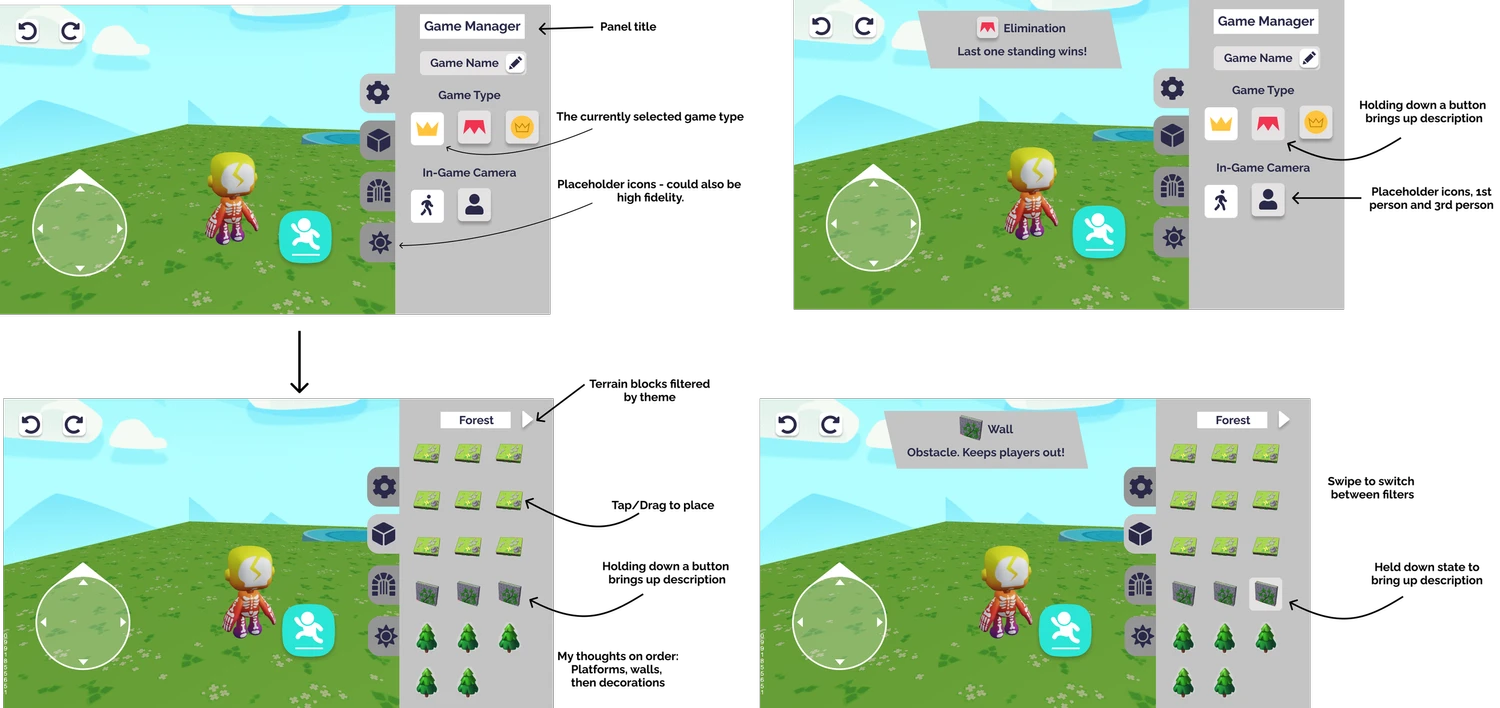
One of the problems we needed to tackle was allowing users sort through large numbers of game objects they could add to their game level as well as displaying and allowing them to choose important level settings, all while navigating in a 3D space. The menu needed to be clear, hold lots of information, and not be intrusive to the gameplay.

One of the problems we needed to tackle was allowing users sort through large numbers of game objects they could add to their game level as well as displaying and allowing them to choose important level settings, all while navigating in a 3D space. The menu needed to be clear, hold lots of information, and not be intrusive to the gameplay.

How can we enable players to manipulate game objects in 3D space?

How can we enable players to manipulate game objects in 3D space?

How can we enable players to manipulate game objects in 3D space?

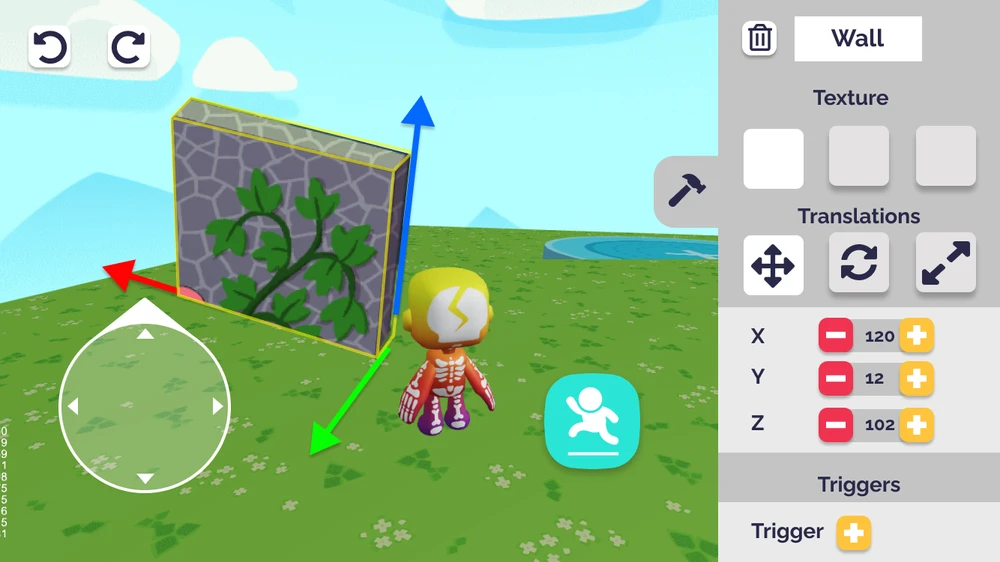
In order to create their game level, players would need to be able to scale, move, and rotate game objects. This needed to offer a lot of control, like a 3D creative software product, but still be simple enough to make sense in a game space.

In order to create their game level, players would need to be able to scale, move, and rotate game objects. This needed to offer a lot of control, like a 3D creative software product, but still be simple enough to make sense in a game space.

How can players access the controls they need?

How can players access the controls they need?

How can players access the controls they need?

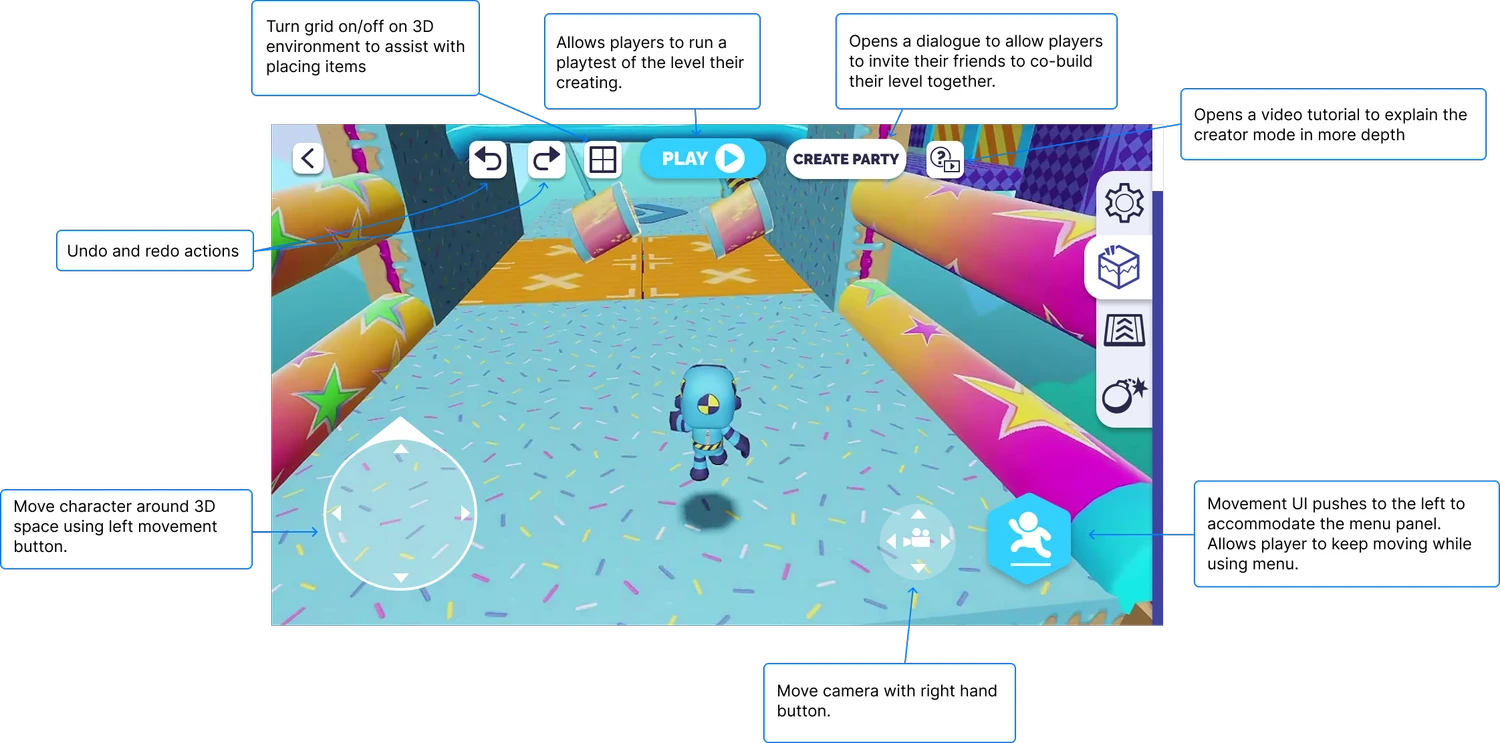
Players needed to be able to move through and navigate a 3D space while still accessing all of the controls and menus needed to effectively create levels. The UI needed to be flexible and move as the prefab menu expanded and contracted. It was important to give the option to minimize the menu so players could have full access to the screen to move around the play space when desired.

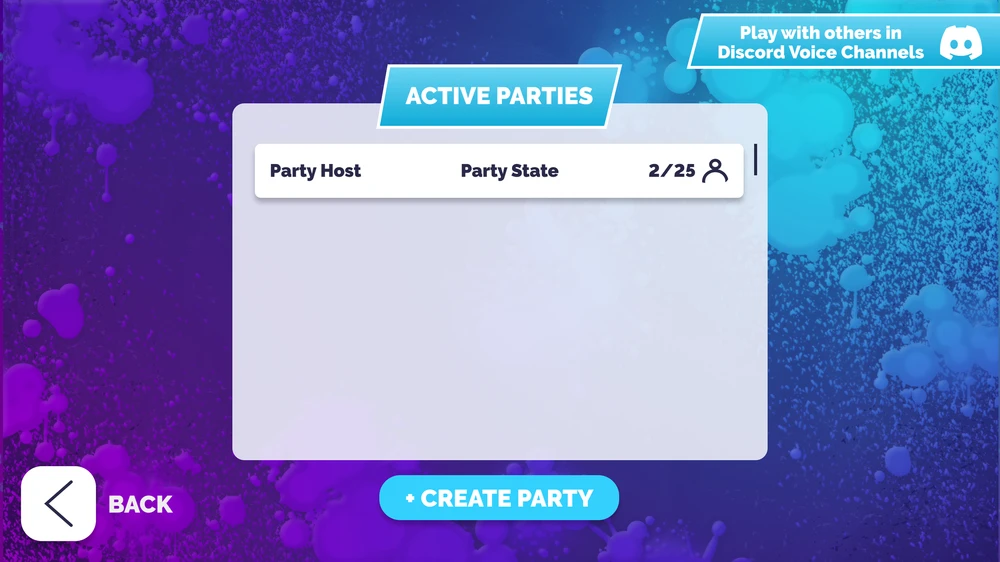
We wanted to add a play button that would allow players to playtest their game as they were working on it. We also added a ‘Create Party’ feature so that players could build their levels with friends and further embrace our goal of a social experience.

Players needed to be able to move through and navigate a 3D space while still accessing all of the controls and menus needed to effectively create levels. The UI needed to be flexible and move as the prefab menu expanded and contracted. It was important to give the option to minimize the menu so players could have full access to the screen to move around the play space when desired.

We wanted to add a play button that would allow players to playtest their game as they were working on it. We also added a ‘Create Party’ feature so that players could build their levels with friends and further embrace our goal of a social experience.

UI restyle

Halfway through the project, our game pivoted from a youth audience with a cartoonish theme to a mature audience with a space theme. Our branding, art style, and UI no longer matched the game we were trying to make. I came up with the idea to restyle our UI to better match our new art style and convinced the team and the CEO to set aside the time for me to restyle all of the UI.

Halfway through the project, our game pivoted from a youth audience with a cartoonish theme to a mature audience with a space theme. Our branding, art style, and UI no longer matched the game we were trying to make. I came up with the idea to restyle our UI to better match our new art style and convinced the team and the CEO to set aside the time for me to restyle all of the UI.

restyle inspiration - sticker art

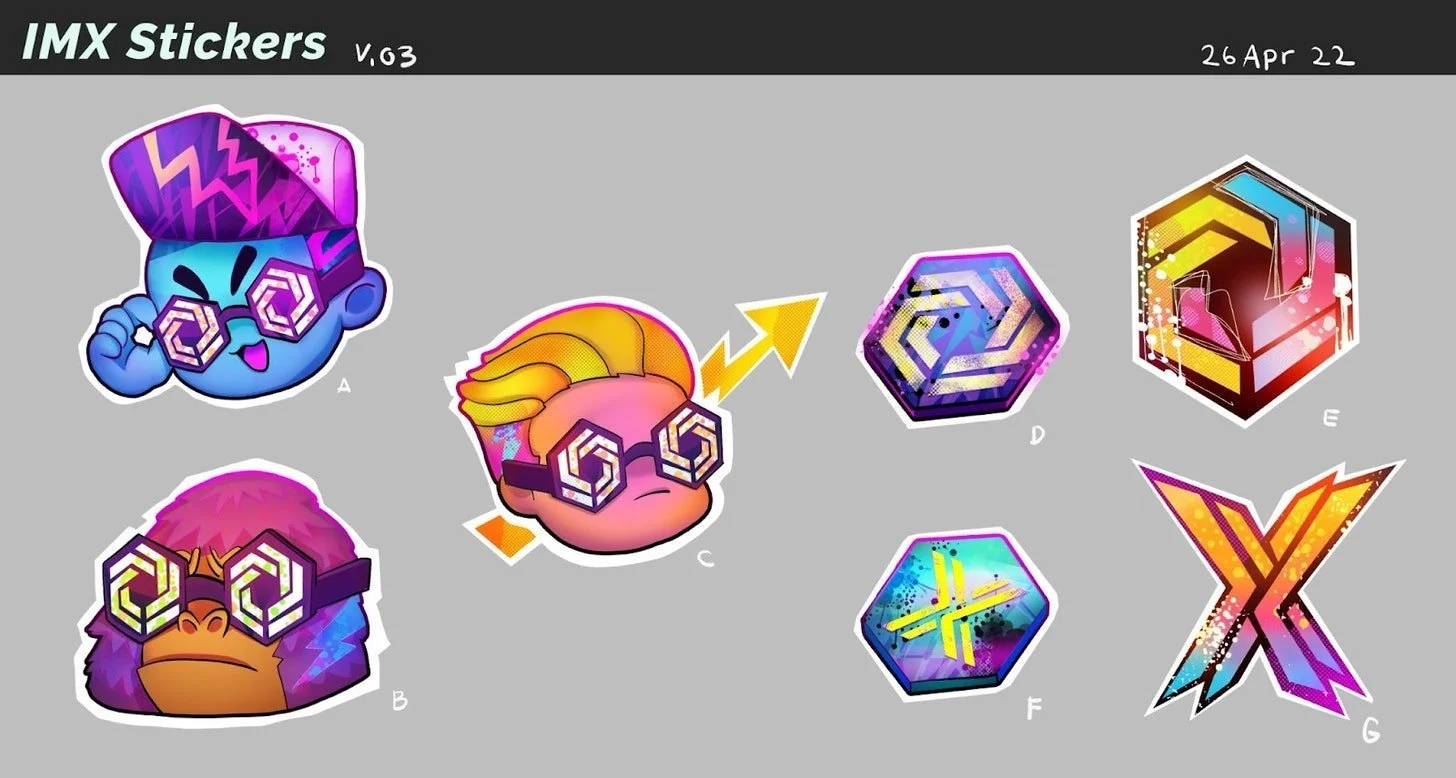
Our artist had started to add sticker motifs to in game objects as we restyled our in game art. Our team loved them so much we created sticker art to sell and promote the project. It was also a big hit with our audience so when restyling the UI, I incorporated elements and motifs from stickers, like the white outline from a 'cutout' sticker.
restyle inspiration - in-game art

As our in-game art style evolved, we began using more gradients, pinks, blues and purples. To make the UI feel cohesive with the in-game art and external branding, I altered the colours to match those being used in game. I also changed the shape of our banners and other UI elements to be less “kid-like” (feedback we’d received). To do this I used sharper corners that felt less whimsical and more mature.
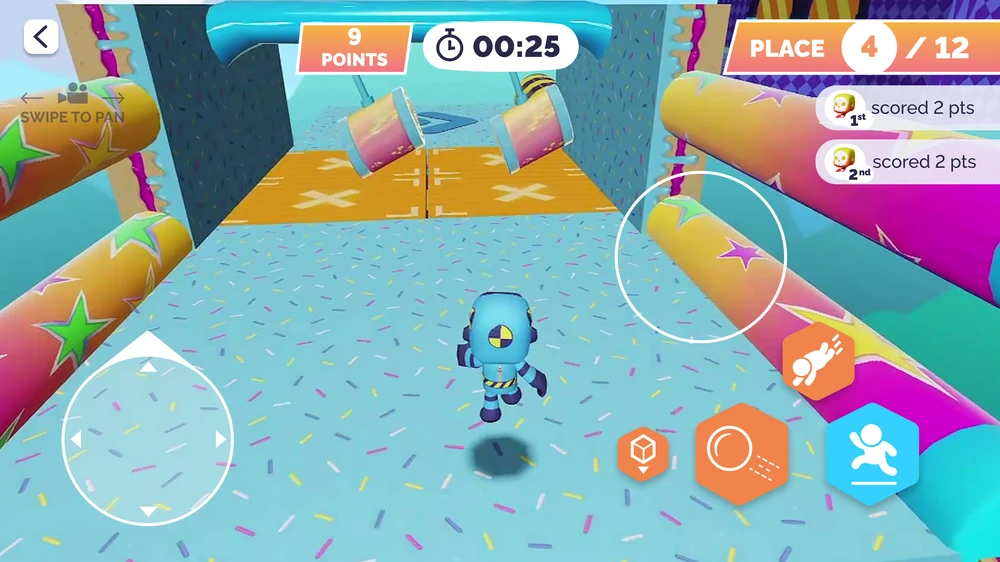
UI matches in game colours and gradients
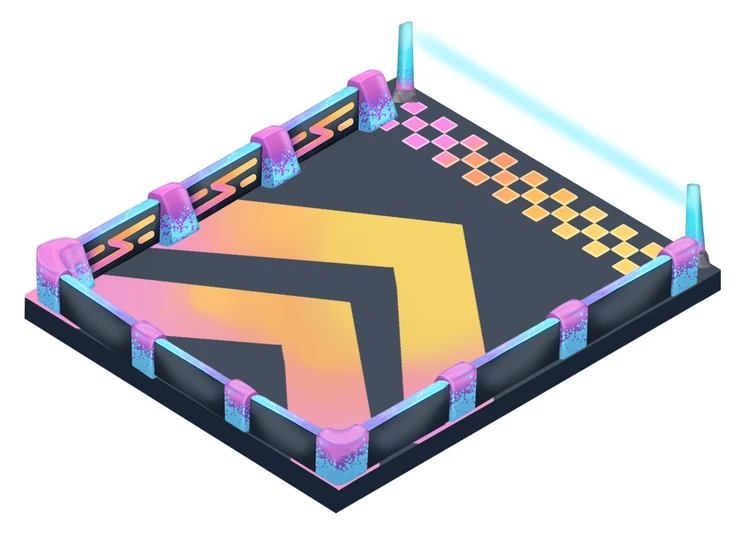
Example of in-game object art

logo redesign

Part of our pivot involved changing the name of our game. As well as restyling the UI, I redesigned the logo to fit our new direction and style, as well as match our new name.

Before

After

Curious and want to learn more? Reach out. Let's make something incredible together.

Available For Work

Curious and want to learn more? Reach out. Let's make something incredible together.

Available For Work

Curious and want to learn more? Reach out. Let's make something incredible together.

Available For Work

marenjamesthompson@gmail.com